Key takeaways
- A DMS is the central software a dealership uses to run sales, service, parts and finance.
- Its value comes from connecting departments, so customer and vehicle data is entered once.
- When choosing one, look at modules, integrations, reporting and how it is hosted.
What is a DMS?
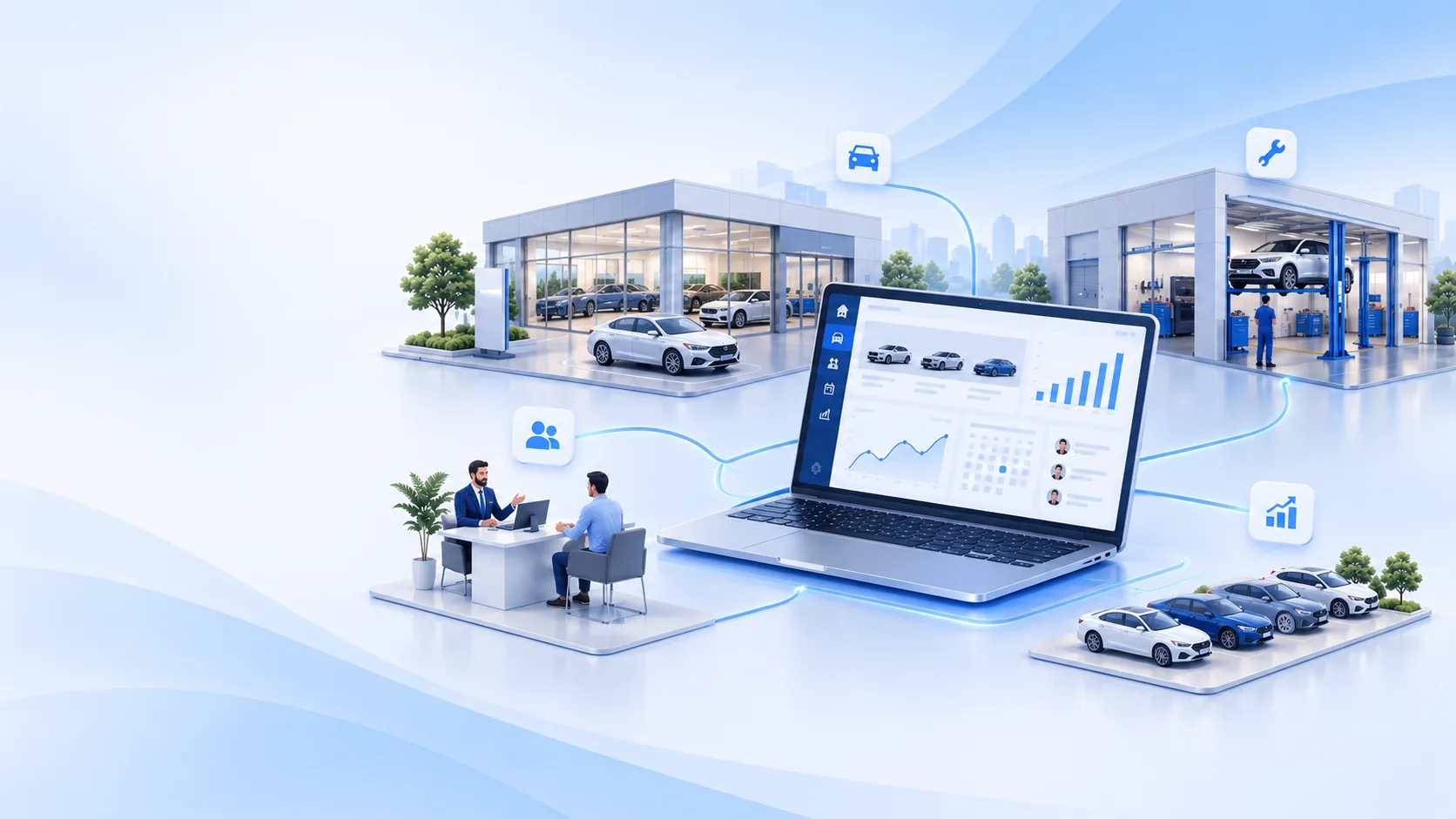
A dealer management system (DMS) is the software a car or motorcycle dealership uses to run its day-to-day business. Instead of separate tools for selling vehicles, booking services, ordering parts and keeping the accounts, a DMS keeps them in one system that every department shares.
For a single showroom that means less double entry. For a dealer group with several branches it also means one view of stock, customers and performance across every location.
What a DMS connects
A modern dealer management system covers these core areas of a dealership:
- Sales: leads, quotes, deals and vehicle deliveries.
- Stock management: real-time inventory visibility and stock control.
- Service: workshop operations, from booking a vehicle in to handing it back.
- Parts: parts procurement, inventory and distribution.
- Body & paint (B&P): body repair and paint shop operations.
- Finance: vehicle financing and insurance processes.
- Marketing: targeted campaigns that build customer relationships.
- Loyalty: rewards and engagement programmes that keep customers coming back.
Why it matters
When each department keeps its own records, the same customer and vehicle details are typed in several times, and managers wait for spreadsheets to see how the business is doing. A shared system removes that double entry and gives managers up-to-date figures for each branch and department.
It also improves the customer experience: a service advisor can see the vehicle's history, and sales staff know which units are in stock without phoning another branch.
How to choose one
Questions worth asking any DMS provider:
- Modules: does it cover every department you run today, and the ones you plan to add?
- Integrations: can it connect to your manufacturer (OEM), accounting and e-invoicing systems?
- Hosting: is it cloud-based, so branches and staff can use it from anywhere?
- Reporting: can managers see live figures without exporting data?
- Customisation: can it be adapted to how your dealership works?
- Support: who helps your team during set-up and day to day?
See a DMS built for dealerships
Book a walkthrough of AXLER8 with our team.